MSG91 OTP Login
Overview
- This integration allows users to log in using OTPs sent via MSG91 API. The OTP is delivered to the user's phone number via SMS. The user enters the OTP to complete the authentication process.
Steps for Integration
- Sign up at MSG91.
- After signing up, you will get an
Auth Keyfor sending OTPs.
Steps to update MSG91 credentials to the Project dynamically
-
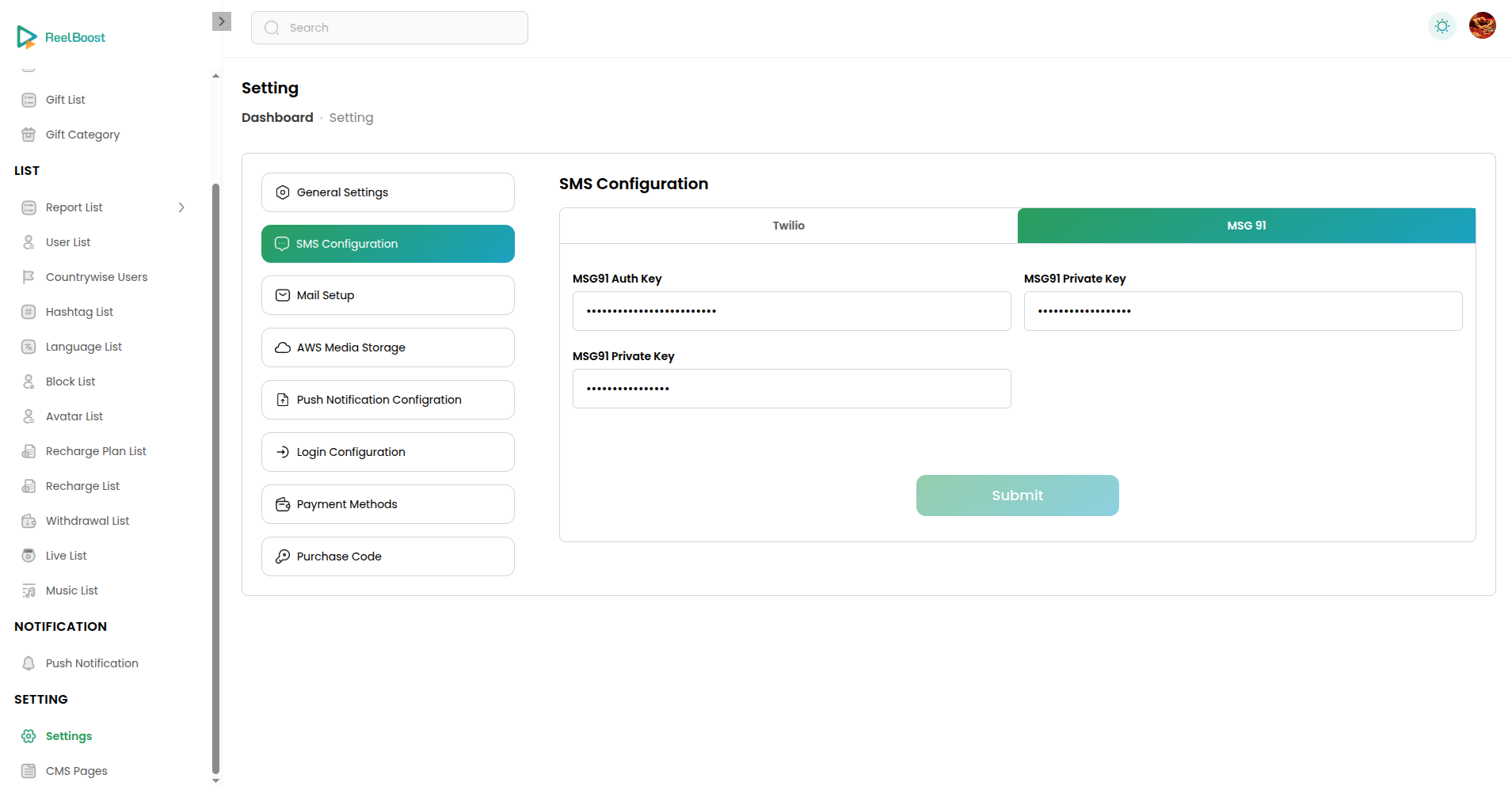
Go to the settings page in admin panel and you will see this
-
Select SMS Configuration option then select MSG 91
-
Update the Credentials and Submit it